
Write up - The Game
For my first security write up we take a look at a different way to look at data within files.
· 1 min read · Security Featured TryHackMe
Task
We are given a zipped folder with the name of tetrix.exe and told there is intel hidden in the game's file. What are we looking for in the file? Tryhackme is asking for a flag "THM{answer}" to be found within this file.
Steps
I first unzip the folder to find a file and open the file within in text editor. The file is filled with two characters separated by a slash. A mix of numbers and letters. The file take around 5 minutes to error out.
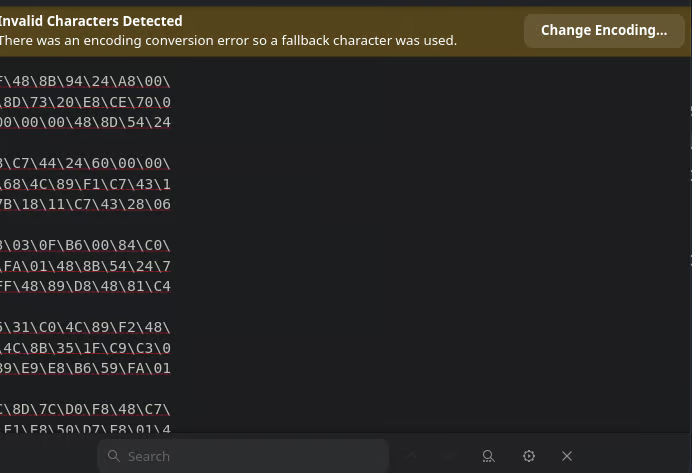
Searching for "thm" within the file gives no results as the text editor is showing the hexidecimal data. searching the store on debian for hex editor I download Okteta. Opening the tetrix.exe file within the hex editor I now start to see text I can understand. There are sections of plain text. I see within the first few lines "This program cannot be run in DOS mode."
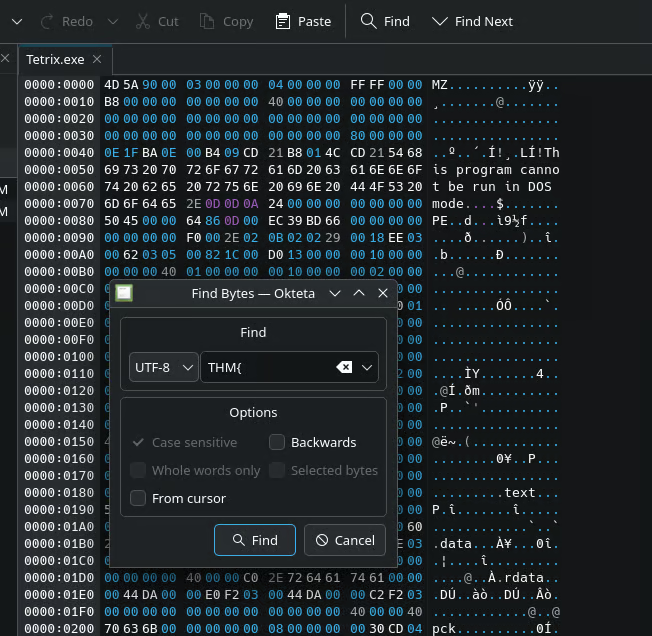
Searching for "thm" I first though that maybe I was on the wrong path. There are results but it was not a tag. I proceed to install two other hex editors that crashed when trying to use the search function. Looking the search options I see search results were case sensitive! Searching "THM" I see more results but cycling though so many with the "find next" button and do not see it. Finally I search "THM{" the full start of what the tag should be. Boom the tag is found